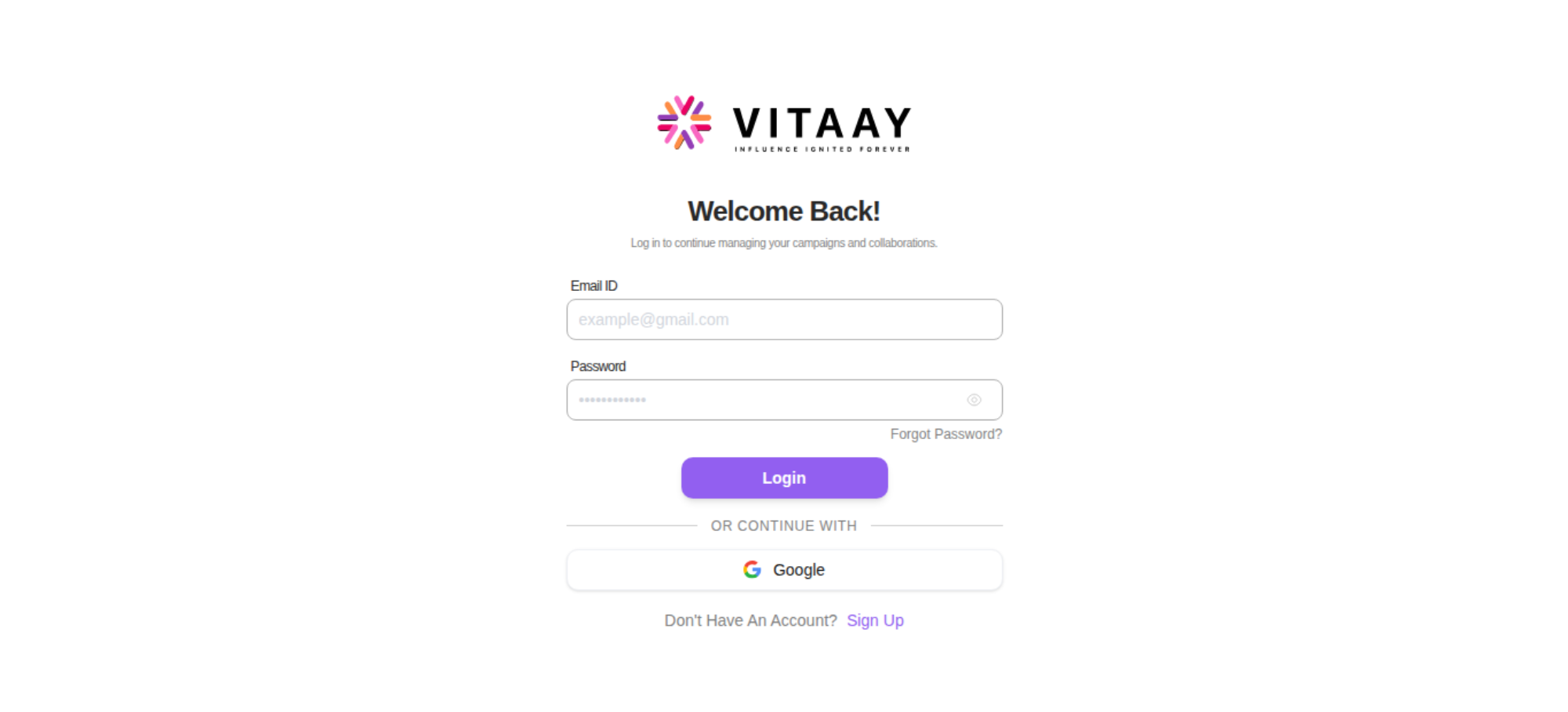
https://vitaay.ai/dashboard/campaigns
Tested 2026-09-04 07:34:49 using Chrome 150.0.7871.46 (runtime settings)
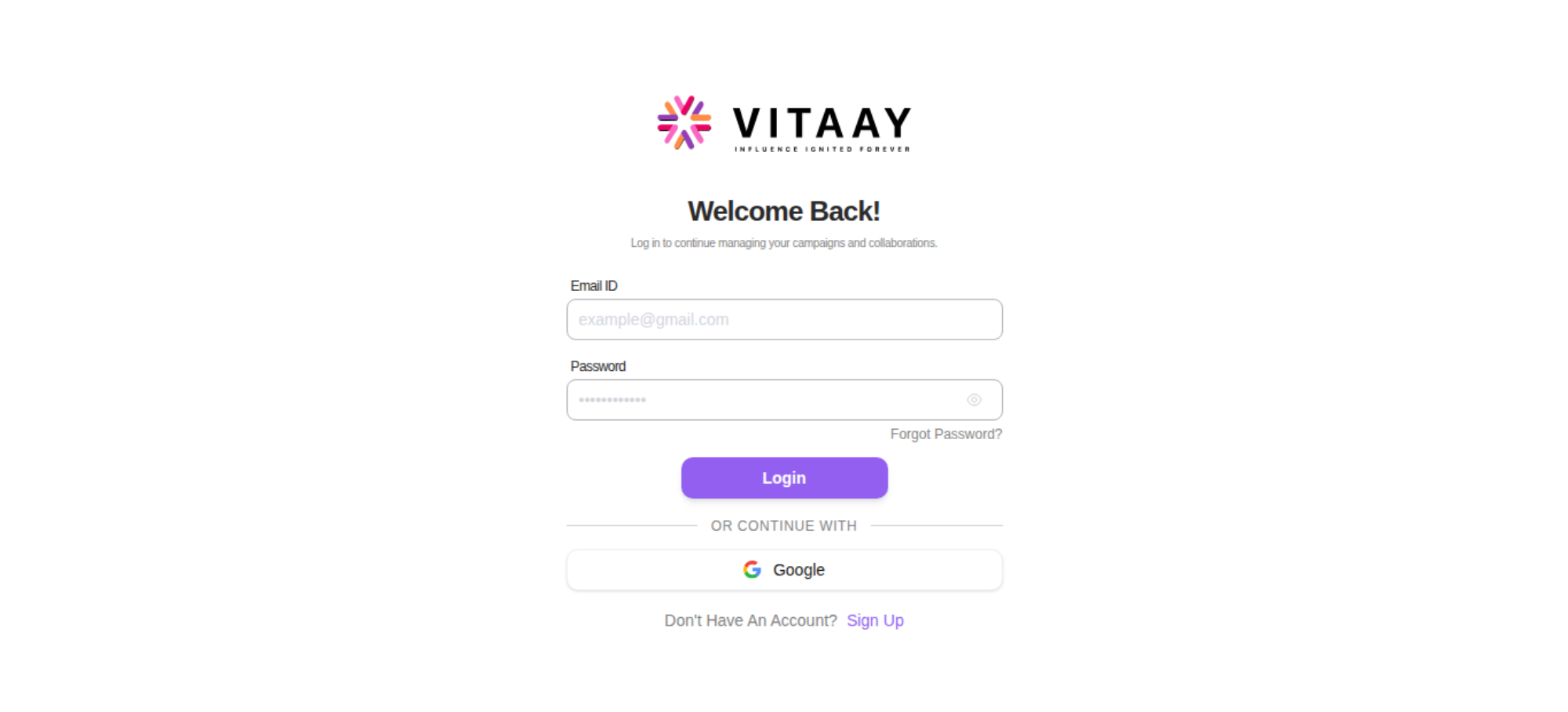
The red band on the timeline marks when the main thread was busy with long tasks: moments when the page could not paint or respond, however the video looks.
Download videoUse --filmstrip.showAll to show all filmstrips.


Click a frame to seek the video to that moment. The dot marks frames where the page changed visually.
Rendering was not meaningfully delayed. First paint landed at 1.032 s on a 112 ms first byte; the 2 render-blocking requests were done by 229 ms and the remaining ~803 ms is style and layout work.
Want to see how much CSS style-recalculation work delayed FCP and LCP, plus CPU long tasks? Run with --cpu.
Blocking requests delay both paints: the browser renders nothing until they arrive, so they push First Contentful Paint and everything after it, including the largest paint (LCP). Requests that block the parser inside the body stall everything after them in the document. Load JavaScript with defer or async, and keep non-critical CSS off the critical path with media attributes. Bars show when each request loaded on a clock that runs to the last paint; the gap after the bars is style and layout work. Web fonts are context, not blockers: text renders invisible or in a fallback face while they load, so a font finishing after a paint is the classic reason text changed late.
| Request | When it loaded | Transfer | Download |
|---|---|---|---|
document | 108 ms | 5.1 KB | 108 ms |
1ow35cgm6ziaz.cssblocking | 108 ms | 38.7 KB | 108 ms |
0pjtk3a8q8b6i.cssblocking | 102 ms | 1.7 KB | 102 ms |
1hj_ven5v98x5.jspotentially blocking | 113 ms | 43.8 KB | 113 ms |
216n-mq-vij6z.jspotentially blocking | 108 ms | 5.9 KB | 108 ms |
3g9ju4r10etff.jspotentially blocking | 108 ms | 3.3 KB | 108 ms |
3c5yhgm7ijxas.jspotentially blocking | 107 ms | 10.1 KB | 107 ms |
0x-nrcqvp21ac.jspotentially blocking | 100 ms | 11.9 KB | 100 ms |
1xyeebhobpx1t.jspotentially blocking | 100 ms | 69.5 KB | 100 ms |
| 18 more requests | all done by 344 ms | 195.3 KB | |
LCP resource | 33 ms | 6.4 KB | 33 ms |
112 ms | 12.0 KB | 112 ms | |
106 ms | 22.8 KB | 106 ms | |
113 ms | 28.9 KB | 113 ms | |
0258 ms516 msFCP · LCP 1.032 s |
The coach helps you find performance problems on your web page using web performance best practice rules. And gives you advice on privacy and best practices. Tested using Coach-core version 9.2.1.
javascriptSizeThe total JavaScript transfer size is 753.3 kB and the uncompressed size is 3.3 MB. This is totally crazy! There is really room for improvement here.
A lot of JavaScript often means you are downloading more than you need. How complex is the page and what can the user do on the page? Do you use multiple JavaScript frameworks?
cacheHeadersThe page has 7 requests that are missing a cache time. Configure a cache time so the browser doesn't need to download them every time. It will save 9.6 kB the next access.
The easiest way to make your page fast is to avoid doing requests to the server. Setting a cache header on your server response will tell the browser that it doesn't need to download the asset again during the configured cache time! Always try to set a cache time if the content doesn't change for every request.
faviconThe favicon size is 12.1 kB bytes. That's quite big, can you make it smaller?
It is easy to make the favicon big but please avoid doing that, because every browser will then perform an unnecessarily large download. And make sure the cache headers are set for a long time for the favicon. It is easy to miss since it's another content type.
cacheHeadersLongThe page has 43 requests that have a shorter cache time than one year (but still a cache time).
Setting a cache header is good. Setting a long cache header (a year) is even better because the asset will stay in the browser cache across visits. For content-hashed URLs (e.g. app.4af2.css) you can safely use Cache-Control: max-age=31536000, immutable. For unversioned URLs that may change, use a revalidating strategy instead.
fewFontsThe page has 4 font requests. Do you really need them? What value does the fonts give the user?
How many fonts do you need on a page for the user to get the message? Fonts can slow down the rendering of content, try to avoid loading too many of them because worst case it can make the text invisible until they are loaded (FOIT—flash of invisible text), best case they will flicker the text content when they arrive.
lcpImageHintsThe LCP image is missing fetchpriority="high". Adding it tells the browser to fetch the image with high priority instead of the default heuristic (which often deprioritises hero images that are loaded after the HTML has been parsed).
When the Largest Contentful Paint element is an image, the browser priority hints applied to that element directly affect the LCP metric. The image must NOT be loading="lazy" (that defers the fetch until near-viewport, which is the opposite of what an LCP image needs) and SHOULD be fetchpriority="high" (so the browser fetches it with high priority instead of guessing). https://web.dev/articles/fetch-priority
longTasksThe page has 1 CPU long task with the total of 70 ms. The total blocking time is 0 ms and 1 long task before first contentful paint with total time of 70 ms. However the CPU Long Task is depending on the computer/phones actual CPU speed, so you should measure this on the same type of the device that your user is using. Use Geckoprofiler for Firefox or Chromes tracelog to debug your long tasks.
Long CPU tasks locks the thread. To the user this is commonly visible as a "locked up" page where the browser is unable to respond to user input; this is a major source of bad user experience on the web today. However the CPU Long Task is depending on the computer/phones actual CPU speed, so you should measure this on the same type of the device that your user is using. To debug you should use the Chrome timeline log and drag/drop it into devtools or use Firefox Geckoprofiler.
optimalCssSizehttps://vitaay.ai/_next/static/chunks/1ow35cgm6ziaz.css size is 39.6 kB (39644) and that is bigger than the limit of 25 kB. Try to keep each CSS response under 25 kB.
Render-blocking CSS holds up the first paint until it has fully downloaded, parsed and applied, so smaller CSS files mean a faster start. Split your CSS into a small critical bundle inlined or eagerly loaded, with the rest lazy-loaded.
| URL | Transfer | Content |
|---|---|---|
| https://vitaay.ai/_next/static/chunks/1ow35cgm6ziaz.css | 38.7 KB | 235.0 KB |
responseOkThe page has 1 error response. The page has 1 response with code 401.
Your page should never request assets that return a 400 or 500 error. These requests are never cached. If that happens something is broken. Please fix it.
mimeTypesThe page has 7 misconfigured mime types.
It's not a great idea to let browsers guess content types (content sniffing), in some cases it can actually be a security risk.
unnecessaryHeadersThere are 43 responses that sets both a max-age and expires header. There are 52 responses that sets a server header.
Do not send headers that you don't need. We look for p3p, cache-control and max-age, pragma, server and x-frame-options headers. Have a look at Andrew Betts - Headers for Hackers talk as a guide https://www.youtube.com/watch?v=k92ZbrY815c or read https://www.fastly.com/blog/headers-we-dont-want.
contentSecurityPolicyHeaderSet a Content-Security-Policy header to mitigate cross-site scripting attacks. You can start with a Content-Security-Policy-Report-Only header, which only reports violations rather than blocking them.
A Content-Security-Policy response header tells the browser which sources of script, style, and other content are allowed. The most effective form is a strict CSP using nonces or hashes together with strict-dynamic; the worst is a missing header, with unsafe-inline and unsafe-eval close behind. https://web.dev/articles/strict-csp
crossOriginEmbedderPolicyHeaderSet a Cross-Origin-Embedder-Policy header (typically require-corp or credentialless) on the document response to control cross-origin embedding.
Cross-Origin-Embedder-Policy (COEP) makes the page refuse to load cross-origin subresources unless they explicitly opt in via CORP or CORS. Together with Cross-Origin-Opener-Policy it puts the page in a cross-origin isolated context, which mitigates cross-window side-channel attacks (Spectre) and unlocks high-resolution timers and SharedArrayBuffer. https://developer.mozilla.org/en-US/docs/Web/HTTP/Headers/Cross-Origin-Embedder-Policy
crossOriginOpenerPolicyHeaderSet a Cross-Origin-Opener-Policy header (typically same-origin) on the document response to isolate the page from cross-origin windows.
Cross-Origin-Opener-Policy (COOP) lets a page sever its window-group ties to cross-origin documents that opened it or that it opens. Together with Cross-Origin-Embedder-Policy it puts the page in a cross-origin isolated context, which mitigates cross-window side-channel attacks (Spectre) and unlocks high-resolution timers and SharedArrayBuffer. https://developer.mozilla.org/en-US/docs/Web/HTTP/Headers/Cross-Origin-Opener-Policy
crossOriginResourcePolicyHeaderSet a Cross-Origin-Resource-Policy header (same-origin, same-site or cross-origin) on the document response to limit who may embed it.
Cross-Origin-Resource-Policy (CORP) is a per-response opt-in that tells the browser which origins are allowed to embed the resource. It blocks cross-origin or cross-site no-cors embedding (img, script, iframe, etc.) and is one of the building blocks of cross-origin isolation. https://developer.mozilla.org/en-US/docs/Web/HTTP/Headers/Cross-Origin-Resource-Policy
nelHeaderSet a NEL header (paired with Reporting-Endpoints) to collect connection-level error reports from the field.
The NEL (Network Error Logging) response header tells the browser to record connection-level failures (DNS, TLS, HTTP errors) and ship them to a reporting endpoint. NEL pairs with the Reporting-Endpoints / Report-To header — the page declares the endpoint group and NEL points at it. Together they give you visibility into errors that never reach your origin server. https://developer.mozilla.org/en-US/docs/Web/HTTP/Headers/NEL
permissionsPolicyHeaderSet a Permissions-Policy header to control which browser features the page can use.
The Permissions-Policy response header (the successor to Feature-Policy) lets a site explicitly opt in or out of powerful browser features such as camera, microphone, geolocation, payment and clipboard. Setting a strict policy reduces the attack surface and limits what embedded third parties can do. https://developer.mozilla.org/en-US/docs/Web/HTTP/Headers/Permissions-Policy
reportingEndpointsHeaderSet a Reporting-Endpoints header (or the legacy Report-To header) so CSP reports, NEL data and other Reporting-API events have an endpoint to land at.
The Reporting-Endpoints response header (the successor to Report-To) names the URLs that browsers should POST reports to. Without it, CSP report-to directives, Cross-Origin-Opener-Policy reports, NEL data and other Reporting-API events have nowhere to go. The legacy Report-To header is still accepted for older Chromium versions. https://developer.mozilla.org/en-US/docs/Web/HTTP/Headers/Reporting-Endpoints
A snapshot of what the browser actually built for this page: the document, how big and deep the DOM tree is and what it kept in storage. Big, deep trees are slower to style and lay out, so the counts Chrome warns about carry a flag.
Document
What the page says it is and how large it rendered.
DOM structure
How much markup the browser has to build, style and lay out.
Storage and connection
What the page stored on the client, and the network it was tested on.
Data collected using
Coach-core version 9.2.1. With updated code from
Webappanalyzer 2026-05-04. Use
--browsertime.firefox.includeResponseBodies html or
--browsertime.chrome.includeResponseBodies html to help Wappalyzer find more information about technologies used.
0.0s0.3s0.5s1.0s1.1s1.2s1.3sWhen the page main content is rendered, collected via the Largest Contentful Paint API. Read more about Largest Contentful Paint.
body > div:eq(1) > div > div:eq(0) > img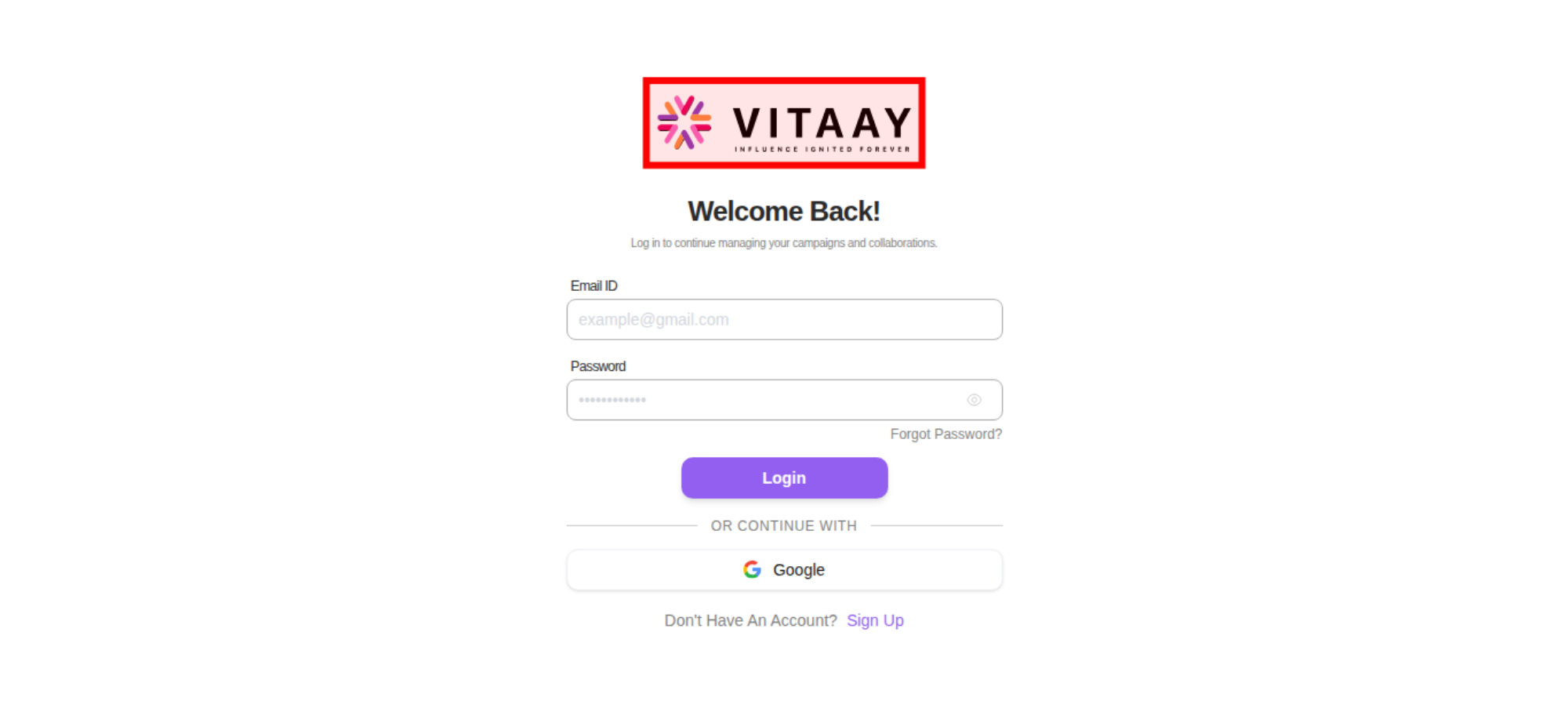
The LCP element is highlighted in the screenshot. If nothing is highlighted the element was removed before the screenshot or the LCP API couldn't find it.
The Largest Contentful Paint API matched this image:

How much the page's content shifts as it loads, collected via the Cumulative Layout Shift API.
No layout shifts were detected on this page.
There are no custom configured scripts.
There are no custom extra metrics from scripting.
How the page is built.
https://vitaay.ai/dashboard/campaigns
| Header | Value |
|---|---|
cache-control | s-maxage=31536000 |
content-encoding | gzip |
content-type | text/html; charset=utf-8 |
date | Fri, 04 Sep 2026 07:34:51 GMT |
etag | "11nd0wllgpzt6t" |
referrer-policy | strict-origin-when-cross-origin |
server | nginx/1.24.0 (Ubuntu) |
strict-transport-security | max-age=63072000; includeSubDomains; preload |
vary | rsc, next-router-state-tree, next-router-prefetch, next-router-segment-prefetch, Accept-Encoding |
x-content-type-options | nosniff |
x-frame-options | SAMEORIGIN |
x-nextjs-cache | HIT |
x-nextjs-prerender | 1 1 |
x-nextjs-stale-time | 300 |
x-powered-by | Next.js |
x-xss-protection | 1; mode=block |
Transfer size921.9 KB
Content size3.5 MB
Requests51
| Content | Header Size | Transfer Size | Content Size | Requests |
|---|---|---|---|---|
| html | 0 b | 5.1 KB | 37.0 KB | 1 |
| css | 0 b | 40.4 KB | 241.9 KB | 2 |
| javascript | 0 b | 735.6 KB | 3.1 MB | 33 |
| font | 0 b | 111.3 KB | 110.2 KB | 4 |
| favicon | 0 b | 11.8 KB | 11.6 KB | 1 |
| other | 0 b | 9.3 KB | 24.8 KB | 7 |
| svg | 0 b | 8.4 KB | 17.4 KB | 3 |
| Total | 0 b | 921.9 KB | 3.5 MB | 51 |
| Domain | Total download time | Transfer Size | Content Size | Requests |
|---|---|---|---|---|
| vitaay.ai | 3.760 s | 922.3 KB | 3.5 MB | 52 |
| type | min | median | max |
|---|---|---|---|
| Expires | 0 seconds | 26 weeks | 26 weeks |
| Last modified | 1 day | 1 day | 20 weeks |
Includes requests done after load event end.
| Content | Transfer Size | Requests |
|---|---|---|
| html | 0 b | 0 |
| css | 0 b | 0 |
| javascript | 393.3 KB | 8 |
| image | 0 b | 0 |
| font | 0 b | 0 |
| favicon | 11.8 KB | 1 |
| other | 9.3 KB | 7 |
| svg | 8.4 KB | 3 |
| Total | 423.2 KB | 20 |
Includes requests done after DOM content loaded.
| Content | Transfer Size | Requests |
|---|---|---|
| html | 0 b | 0 |
| css | 0 b | 0 |
| javascript | 421.5 KB | 12 |
| image | 0 b | 0 |
| font | 0 b | 0 |
| favicon | 11.8 KB | 1 |
| other | 9.3 KB | 7 |
| svg | 8.4 KB | 3 |
| Total | 451.4 KB | 24 |
Third party requests categorised by Third party web version 0.29.2.
No third-party requests detected
Every request on this page resolved to a first-party domain. There are no entries in Third party web to attribute, no third-party tools to enumerate, and no third-party cookies set. If you expected to see entries here you can fine-tune the first-party domain list with --firstParty.
Calculated using .*vitaay.* (use --firstParty to configure).
| Content | Header Size | Transfer Size | Content Size | Requests |
|---|---|---|---|---|
| html | 0 b | 5.1 KB | 37.0 KB | 1 |
| css | 0 b | 40.4 KB | 241.9 KB | 2 |
| javascript | 0 b | 735.6 KB | 3.1 MB | 33 |
| image | 0 b | 0 b | 0 b | 0 |
| font | 0 b | 111.3 KB | 110.2 KB | 4 |
| favicon | 0 b | 11.8 KB | 11.6 KB | 1 |
| other | 0 b | 9.3 KB | 24.8 KB | 7 |
| svg | 0 b | 8.4 KB | 17.4 KB | 3 |
| Total | N/A | 922.3 KB | 3.5 MB | 52 |